
Visual WebBits: A Framework for Web-Based Platform of Design-focused Code Snippets for Students of National-University

The website was successfully developed and deployed. It has since gone offline due to client-side business decisions, though the frontend implementation showcased here reflects my contributions. You can visit the website archive here, but note that the archive's appearance is not accurate to the deployed original site.
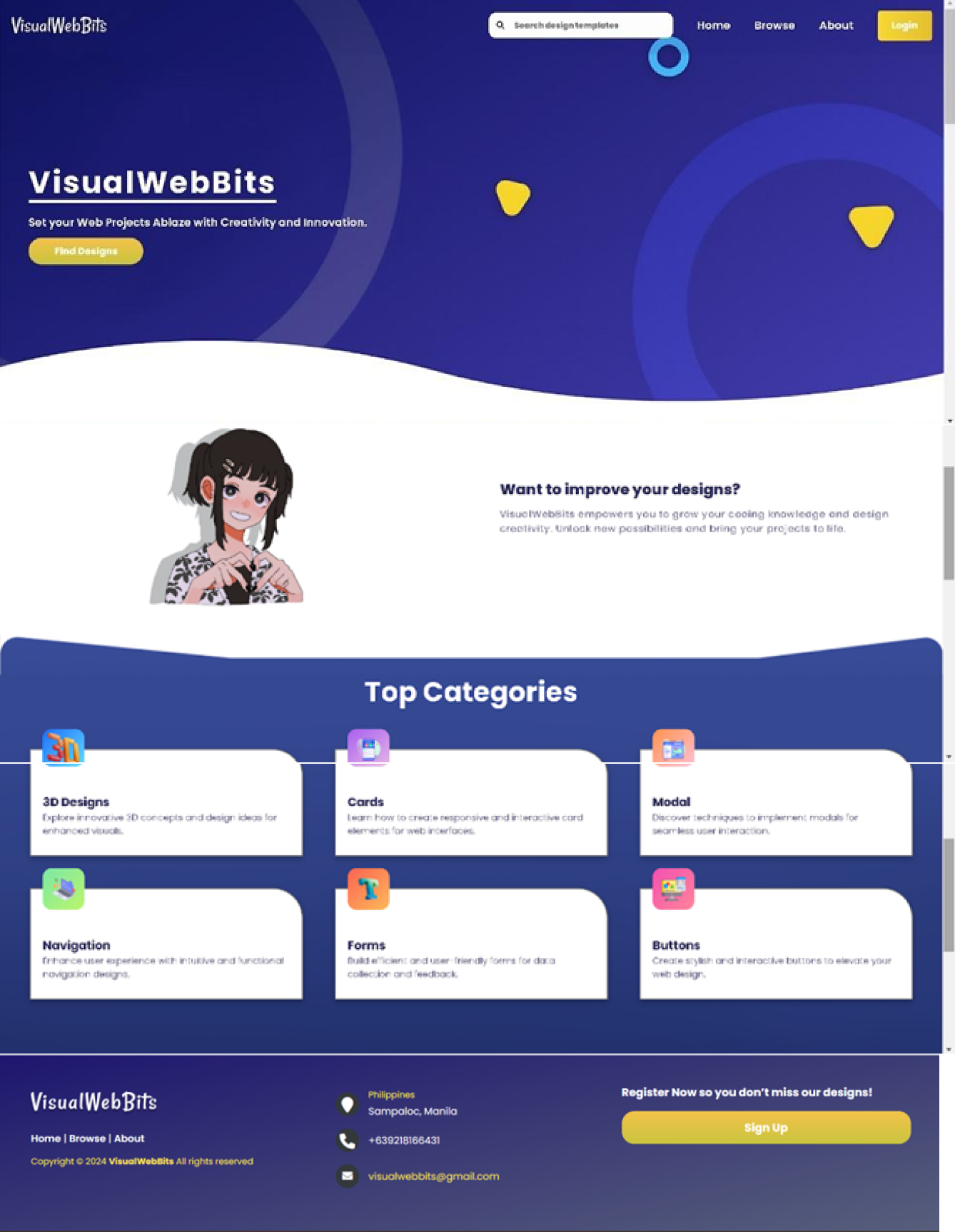
VisualWebBits is a web-based educational platform designed to help students and educators learn web development more effectively. The platform provides a library of design-focused code snippets, tutorials, and interactive exercises with a built-in live preview system. Unlike generic coding websites, VisualWebBits was tailored for classroom use, making it easier for instructors to integrate into their teaching and for students to practice hands-on.
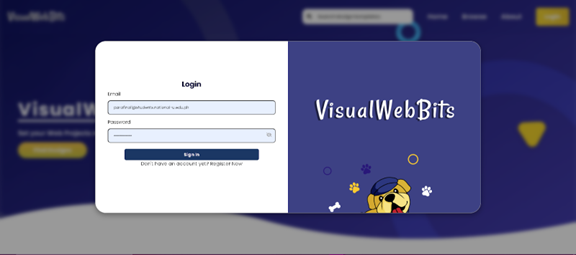

My role to this project was the UX/UI Designer and Frontend Developer.
I was responsible for translating the team’s Figma designs into responsive page layouts using HTML, CSS, and JavaScript, to ensure they are functional across both desktop and mobile devices. I also contributed to the development of the live preview feature, which allows users to experiment with HTML, CSS, and JavaScript snippets and instantly see the results in the browser. To support this, I collaborated closely with the lead programmer, Kervy Gulmatico, to integrate the snippet library stored in MongoDB to make tutorials and code snippets accessible for the platform. Throughout the project, we focused on usability by simplifying navigation and ensuring that core components, such as buttons, the code editor, and preview panels, were intuitive and accessible for both students and educators.

Tech Stack:
Frontend – HTML, CSS, JavaScript
Backend – Node.js, Express.js, MongoDB.
Key Features:
1. User Access & Profiles
- Login, Register (role-based for students/educators), and Profile Editing.
2. Learning Tools
- Browse Design Snippets & Presets.
- Live Code Editor with real-time HTML/CSS/JS preview + source code download.
- Code Explanations and Tutorials.
- Practice Exercises with retry option, progress history, and score submission.
3. Educator Tools
- Create and manage Custom Exercises.
- Combine Tutorials into structured learning modules.
- Upload and download custom files for class use.
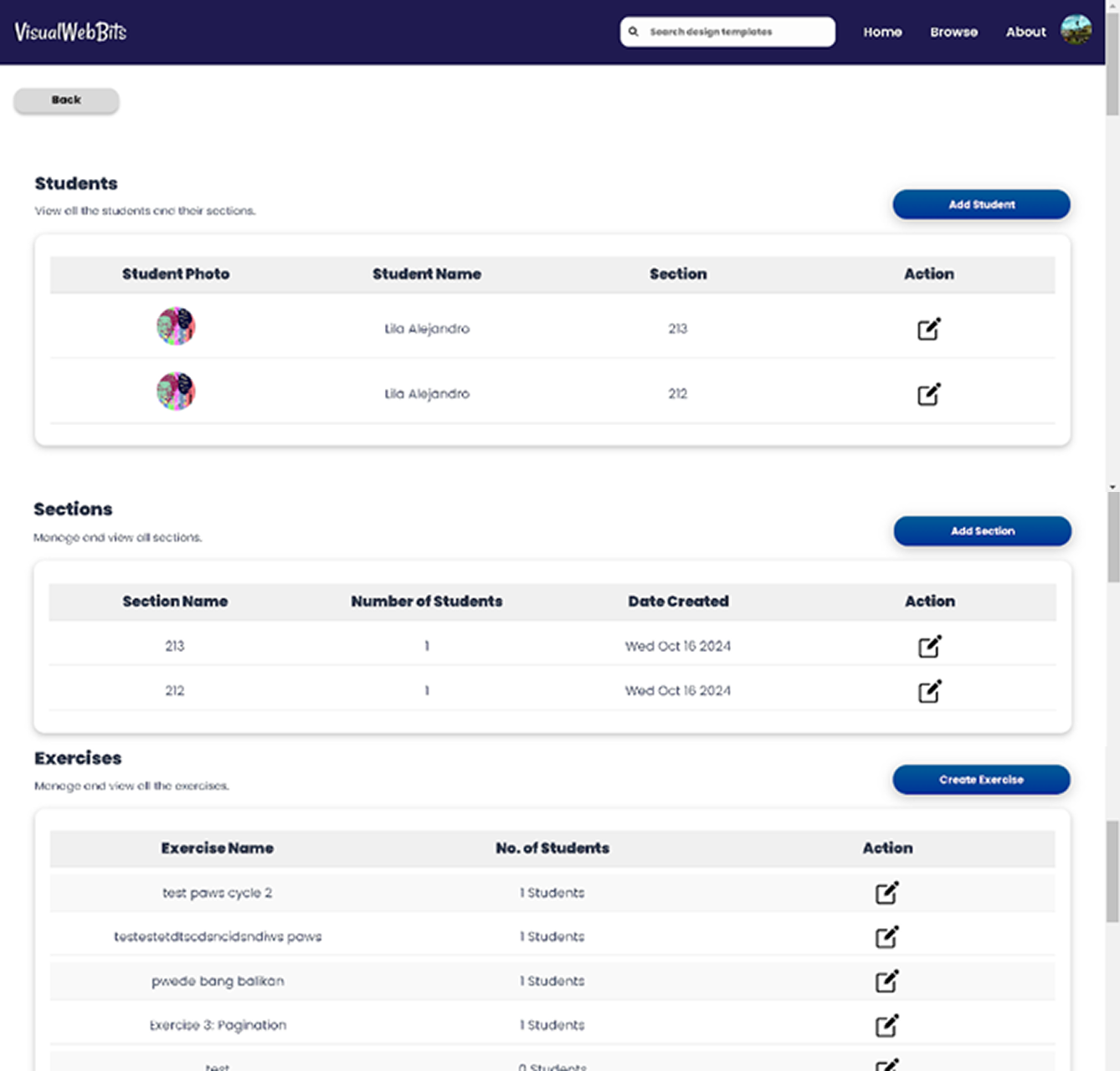
- Class Overview dashboard to track student progress.
4. User Experience Enhancements
- Search Bar for quick navigation.
- Favorites for bookmarking preferred snippets and exercises.
- About Page with platform information.
5. Administration
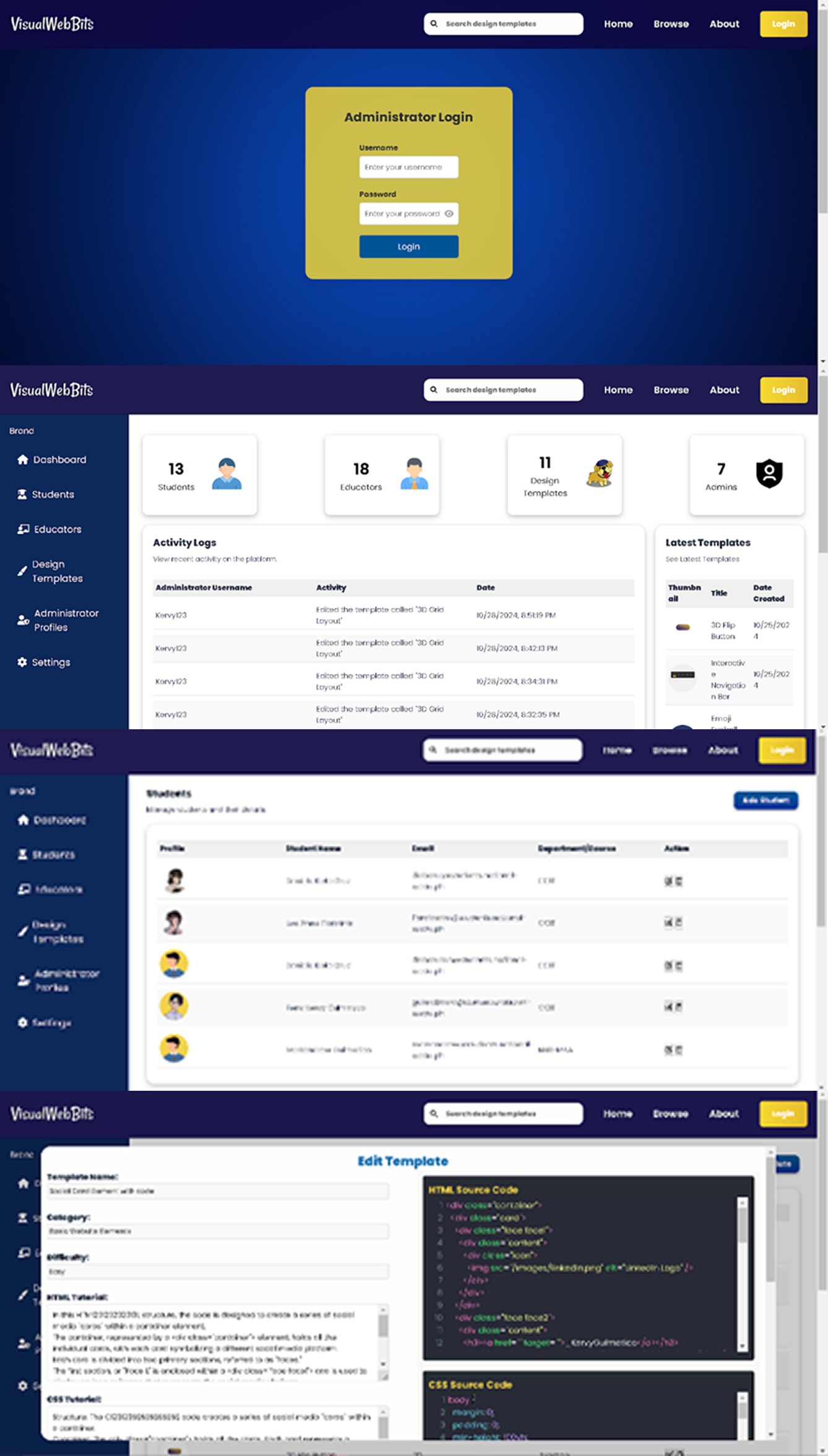
- Administrator Login and Dashboard.
- Manage users, exercises, tutorials, and overall system settings.
- Code Checker for automated exercise validation.
.png)